
August 19, 2026

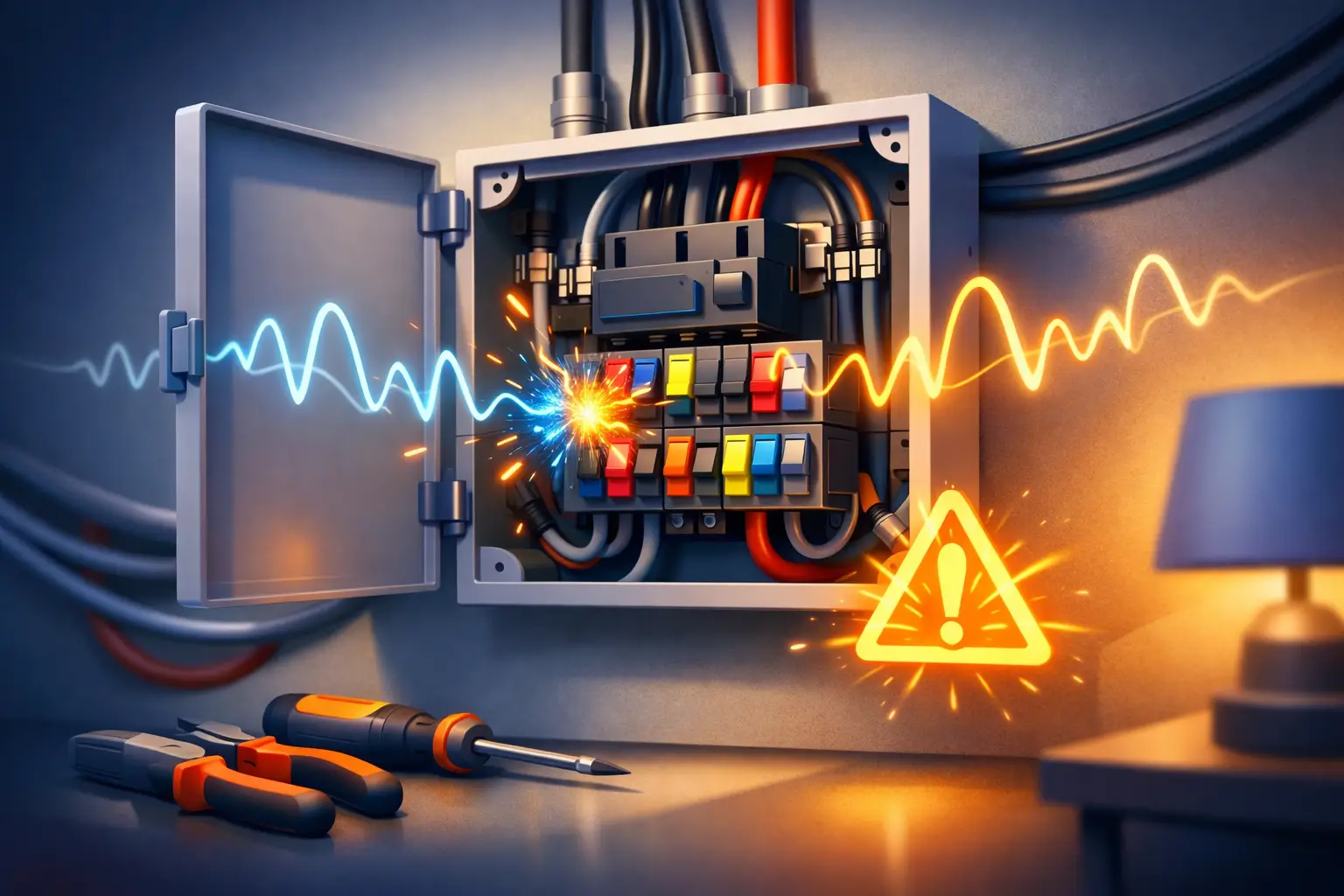
Why does a fuse box buzz? Learn the likely causes, what you can safely check, and when London property owners need an urgent qualified...







A working RCD can prevent a dangerous electric shock in a fraction of a second. But that protection depends on the device operating correctly when a fault occurs. RCD testing frequency is therefore not a minor maintenance task – it is a practical part of keeping a London home, rental property or workplace safe.
An RCD, or residual current device, monitors the electrical current flowing through a circuit. If it detects that electricity is leaking to earth – potentially through a damaged cable, faulty appliance or person – it disconnects the supply quickly. It does not replace sound wiring, correct earthing or circuit breakers, but it provides an essential additional layer of protection.
For most fixed RCDs installed in a consumer unit, the test button should generally be pressed every six months. This is the usual recommendation under current electrical guidance, although the manufacturer’s instructions should always take priority. The button is commonly marked “T” or “Test”.
Some installations need more frequent attention. A portable RCD used with outdoor tools, construction equipment or temporary power is exposed to greater risk of damage, moisture and rough handling. Its testing regime may need to be more frequent, based on its use, the manufacturer’s instructions and the risk assessment for the site.
There are two different types of RCD test, and confusing them can leave a gap in your maintenance routine. The six-monthly button test is a simple functional check that a responsible homeowner, landlord or premises manager can usually carry out. A full electrical test, however, requires a qualified electrician using calibrated test equipment to confirm that the RCD trips within the required time and at the correct current.
In an owner-occupied home, test fixed RCDs about every six months and arrange an Electrical Installation Condition Report, known as an EICR, at suitable intervals. A typical recommendation is every ten years for an owner-occupied property, or sooner where there are concerns about the installation, major alterations or a change in how the property is used.
For privately rented homes in England, the electrical installation must be inspected and tested at least every five years by a qualified and competent person. The report may require an earlier inspection date, so the report itself should always be checked rather than assuming five years will apply in every case. Landlords should still encourage tenants to report tripping RCDs, damaged sockets and electrical concerns promptly between inspections.
Commercial premises are different again. Offices, shops, restaurants, warehouses and mixed-use buildings all have different electrical demands. An EICR is often recommended every five years for many commercial properties, but this can be shorter for higher-risk environments, heavily used installations, industrial settings or properties with a history of faults. The appropriate interval should reflect the installation, occupancy, equipment and risk assessment.
Pressing the test button is valuable, but it is not an electrical inspection. It only checks whether the RCD mechanism responds to the simulated imbalance created by the button. It does not prove that every circuit is correctly wired, that the earthing arrangement is sound, or that the device will disconnect within the required disconnection time under all fault conditions.
An EICR is much more detailed. A qualified electrician visually assesses the installation and carries out dead and live testing where appropriate. This can identify issues such as deteriorated cables, poor connections, overloaded circuits, inadequate bonding, unsuitable consumer unit components and faults affecting RCD performance.
Think of the button test as a routine safety check and the EICR as a condition assessment of the installation. Both matter. One helps reveal a stuck or failed RCD between inspections; the other establishes whether the electrical system remains safe for continued use.
Choose a time when temporarily losing power will not cause a problem. RCDs can control several circuits, so lights, sockets, a boiler, kitchen appliances, alarms or office equipment may switch off. Save work on computers and avoid testing while washing machines, dishwashers or other appliances are mid-cycle where possible.
At the consumer unit, identify the RCD and press its test button firmly. A working device should trip immediately to the off position, cutting power to the circuits it protects. Reset it by moving the switch fully to off if necessary, then back to on.
After resetting, check that power has returned where expected. Some consumer units have multiple RCDs or RCBOs, which protect individual circuits, so it is worth understanding which parts of the property each device serves. If you manage a building, keeping a simple dated record of tests helps demonstrate that routine checks are being carried out.
Do not remove the consumer unit cover or attempt to test internal wiring yourself. Live electrical parts may be present even when a switch appears to be off.
An RCD that will not reset may be doing its job by detecting a genuine fault. Do not repeatedly force it back on. First, unplug portable appliances from the affected circuits, particularly recently used items such as kettles, chargers, heaters, extension leads and outdoor equipment. Then try resetting the RCD once.
If it resets after appliances have been disconnected, reconnect them one at a time to help identify the likely faulty item. Stop if the RCD trips again. The appliance may need repair or replacement, and the circuit should be checked if the cause is not clear.
If the RCD trips immediately with everything unplugged, will not reset, feels warm, shows signs of damage, or there is a burning smell, leave it off and arrange professional assistance. These signs can indicate a fault in fixed wiring, a circuit accessory, moisture ingress or the consumer unit itself. In a rental property, tenants should notify the landlord or managing agent without delay.
A loss of power affecting essential equipment, safety systems or business operations may require urgent attendance. EDL Electrical provides qualified electrical support across London, including rapid help where an RCD fault cannot safely wait.
The calendar is useful, but it should not be the only trigger. Arrange an electrician sooner after flooding, water leaks near electrical equipment, fire damage, rodent activity, significant building work or a consumer unit upgrade. These events can affect cables, connections and protective devices even if the power appears to be working normally.
You should also seek advice if an RCD trips repeatedly, trips without an obvious cause, or protects circuits that have been altered or extended. Nuisance tripping can sometimes result from the combined earth leakage of modern appliances, but it should never be dismissed without investigation. The solution may involve fault-finding, circuit changes or an upgrade to RCBO protection, rather than simply replacing the RCD.
Older properties deserve particular care. London homes are often extended, converted or adapted over decades, and electrical alterations may not all have been completed to the same standard. Regular testing provides reassurance, but a professional inspection is the right response if there are old fuse boards, damaged accessories, missing circuit labels or uncertainty about previous work.
Set a six-month reminder for the RCD test button, follow the manufacturer guidance and keep your inspection reports accessible. If the device does not trip or reset as expected, treat that as a safety issue rather than an inconvenience. A prompt check by a qualified electrician can restore protection and give you confidence that the installation is ready to respond when it matters.
Why does a fuse box buzz? Learn the likely causes, what you can safely check, and when London property owners need an urgent qualified...

Need reliable electrical repairs in London? Learn which faults demand urgent attention, why DIY is risky and when a certified electrician should attend.
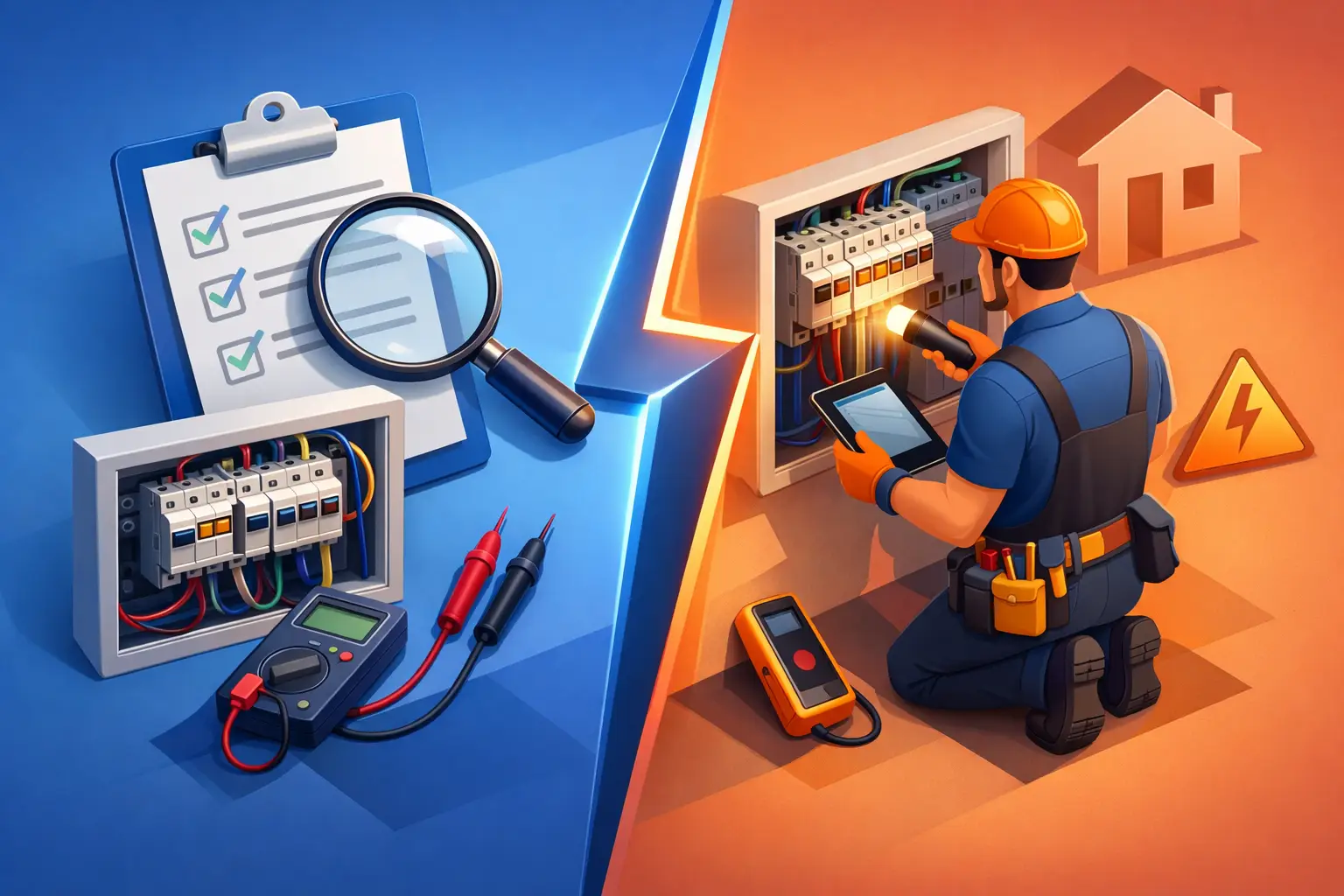
Understand the difference between an EICR vs electrical inspection, when each is needed, and how to keep your London property safe and compliant today.